

When it comes to planning and erecting a new building, whether it’s a prefab steel building kit or a traditional wooden structure, there are virtually endless points of confusing steps, requirements, and laws. We strive to make this process as simple as possible, and understanding what you’re up against is the first step!
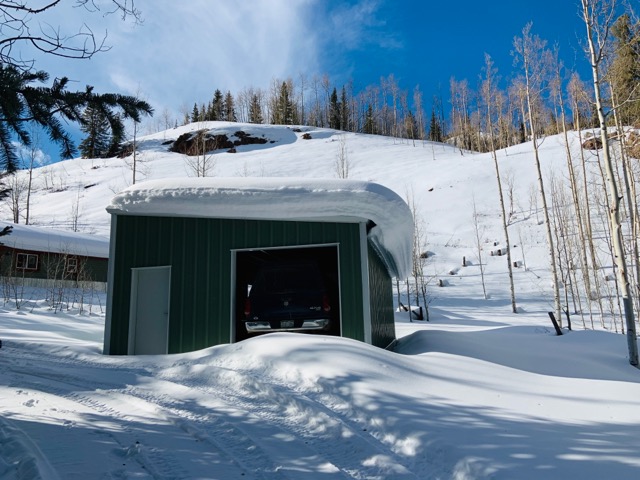
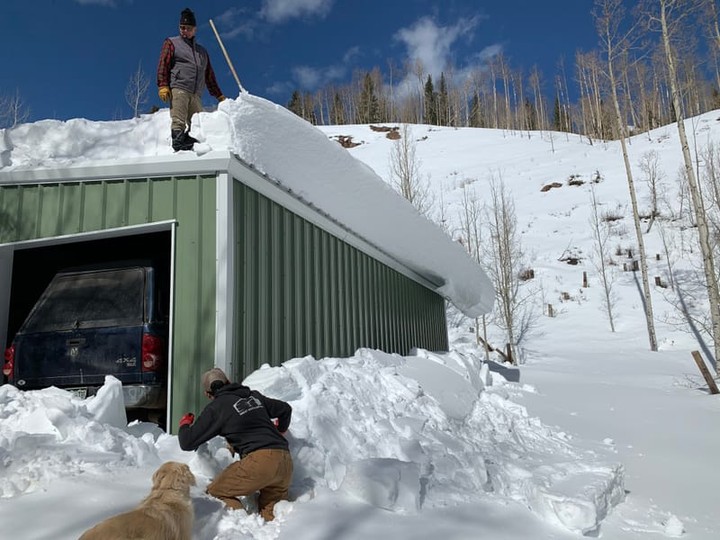
Your local snow load and wind load requirements drastically influence the design, materials, and price of your building. Unfortunately, these requirements are far from black and white, and structures within a few minutes drive of each other can have vastly different snow and wind load requirements. Snow load and wind load are determined by your building’s location, elevation, and terrain. Effectively, these loads are determined by the extreme weather conditions of your locale.
The fastest way to find your local loading requirements is the ASCE Hazard Tool, which we’ve embedded below. Simply enter your address in the search bar on the left and select which categories of loading requirements apply. For accurate numbers, though, you’ll need to know your risk category.
According to documentation from MiTek, risk categories are largely determined by the amount of people or occupants the building sees regularly. Most residential or personal buildings and garages will fall into Category II. For your understanding, though, here is a breakdown of the categories:
A snow load is the amount of weight snow can place on a roof. It’s measured in pounds per square foot (psf) and tells builders how much downward force a roof must safely support. It is calculated by using your area’s typical ground snow load, which is the snow that accumulates regularly on open ground in your area.
For example, if a roof is designed for 30 pounds per square foot and measures 1,500 square feet, it must be able to handle up to 45,000 pounds of snow spread across the surface.
Your required snow load directly correlates to the amount of required material to ensure your building’s structure can withstand the weight of the snow. In addition, the slope of your roof also alters the required materials, as a low-slope or flat roof can accumulate snow without runoff, allowing further weather to continue stressing the structure of your building.
Wind load is a bit more complicated than snow load, because it applies force to structures in many different ways. It applies a lateral load to the sides of the buildings from all directions, but can also pull upward on roof systems. So, wind load requirements are calculated with a complex formula outlined in ASCE minimum design loads, which is referenced by the International Building Code (IBC).
To keep things simple, we’ll spell it out as easily as possible. Your location’s typical wind speeds are referenced from national wind speed maps, and those numbers are used to determine how much pressure moving air places on a building’s surfaces, including walls, roofs, and structural connections.
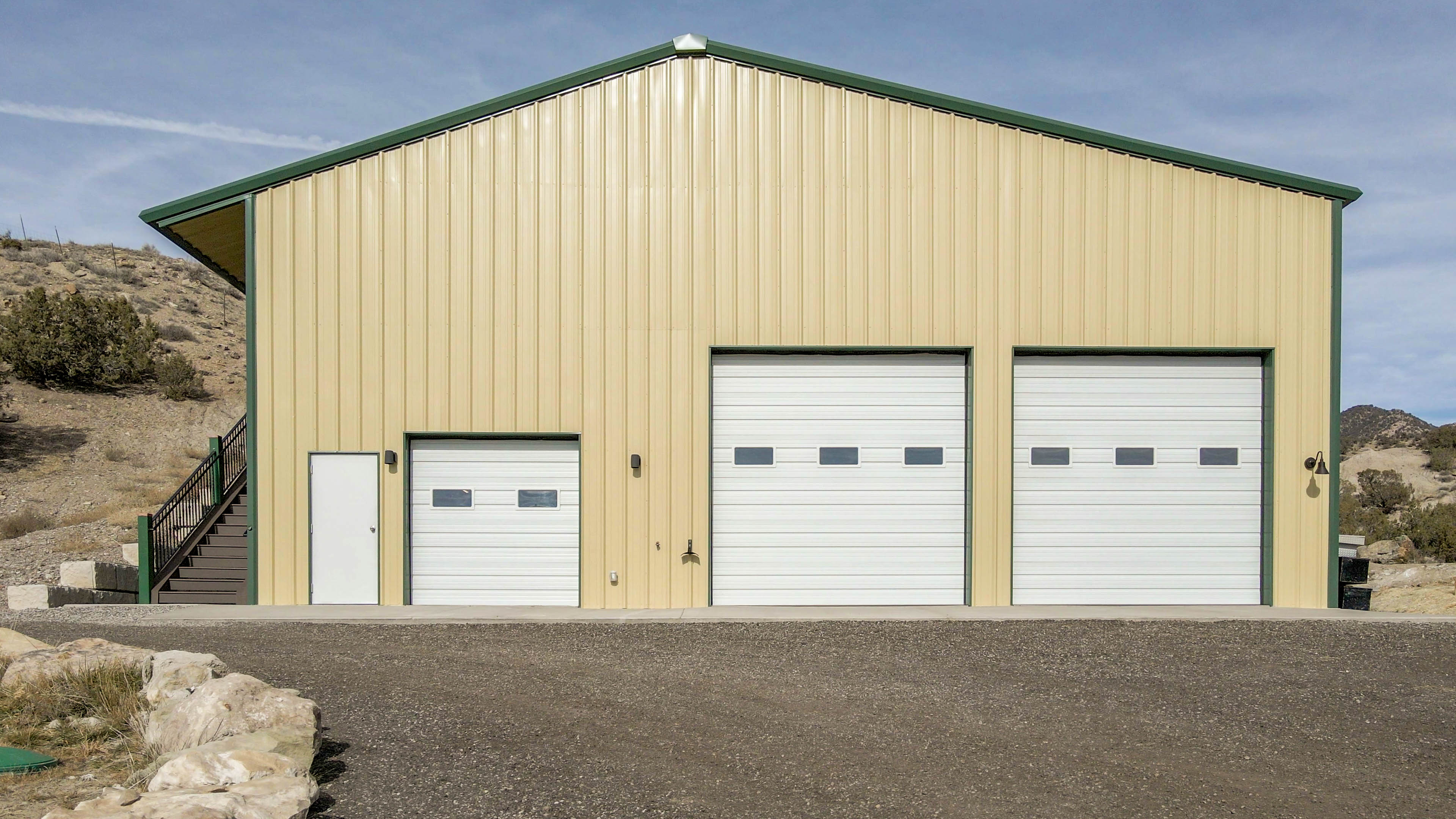
Your building’s snow and wind loads alongside other factors like seismic activity and local coding requirements determine how much material and reinforcement your building will need. It can be a difficult to understand set of requirements, but we want to make it easy!
At Great Western, we strive to make the process of designing, purchasing and erecting a metal building as seamless as possible. We’re happy to help you understand and determine your local loading requirements. From there, our team of expert engineers and designers will craft the perfect building not only for your local coding requirements, but for YOU and what you want and need. No matter your use case, whether it be a small, personal shop or a commercial building, warehouse, or storage facility, our team can get you exactly what you need. Better still, our buildings come with a lifetime structural warranty and 24/7 customer support, so you’ll never be left in the dark.
Read to get started? You can get a fast and simple quote with the below form, or let your creative side out by crafting your dream building in our 3D Design Tool.
"(Required)" indicates required fields
You should receive your estimated quote by email shortly. Please keep in mind that this is just an estimate and does not include snow loads, wind loads, county specific code requirements, delivery or design specific engineering calculations related to the structural soundness of the building.
Would you like a response via text message? Opting into SMS indicates you agree to receive SMS messages regarding your request from Great Western Buildings. Message and data rates may apply. Message frequency may vary. To end messaging from us, you may always reply with STOP. You may also reply with HELP for more information.